Database Management SystemUnit 311 min read
Relational Model & Algebra: Tables, Queries, and Operations
Unit 3 of Database Management System covers the relational database model (tables, keys, constraints) and relational algebra (operations like SELECT, JOIN, PROJECT) with SQL translations, worked examples, and real-world applications in Nepalese systems like eSewa and NEPSE.
TAKEAWAYS:
- A relation is a table with rows (tuples) and columns (attributes) governed by strict rules (e.g., no duplicate rows, ordered columns).
- Relational algebra uses 8 operations (SELECT, PROJECT, JOIN, etc.) to query data—each maps to SQL clauses like
WHERE,GROUP BY, orJOIN. - Keys (primary, foreign, candidate) enforce uniqueness and relationships between tables (e.g.,
SIDinstudentlinks toSIDinstudies). - Normalization (covered in Unit 4) builds on this model to eliminate redundancy, but algebra works on any relation—normalized or not.
- SQL vs. algebra: Algebra is theoretical (set-based), while SQL is practical (declarative); every algebra operation has a direct SQL equivalent.
- Real-world tie: eSewa’s transaction system uses
JOINoperations to link user accounts (user), payments (transaction), and service providers (service).
1. The Relational Database Model: Tables as Mathematical Relations
The relational model represents data as tables (relations) with:
- Rows (tuples): Individual records (e.g., one student’s data).
- Columns (attributes): Fields like
SID,SName(data types: integer, string, date). - Constraints: Rules like
PRIMARY KEY,FOREIGN KEY, andNOT NULL.
Key Properties of Relations
classDiagram
    class Relation {
        +Attributes: Ordered, unique names (e.g., SID, SName)
        +Tuples: Unordered, unique rows (no duplicates)
        +Domains: Each column has a defined data type (e.g., INT, VARCHAR)
        +Degree: Number of attributes (columns)
        +Cardinality: Number of tuples (rows)
    }
    Relation --> "Implements" Key
    class Key {
        <<abstract>>
        +Superkey: A set of attributes that uniquely identifies a tuple
        +Candidate Key: Minimal superkey (e.g., SID in student)
        +Primary Key: Chosen candidate key (underlined in diagrams)
        +Foreign Key: References a primary key in another table (e.g., SID in studies)
    }
Why this matters:
- Uniqueness: No duplicate rows (e.g., two students with
SID=101). - Order independence: Rows/columns can be rearranged without changing meaning.
- Domain integrity: Each attribute’s values come from a predefined set (e.g.,
Credit_hoursmust be 1–6).
2. Relational Algebra: The Math Behind SQL Queries
Relational algebra is a procedural language (like pseudocode) that defines how to manipulate relations. SQL is its declarative implementation. The 8 core operations:
sequenceDiagram
    participant User
    participant SQL_Engine
    participant Relational_Algebra

    User->>SQL_Engine: SELECT SName FROM student WHERE Age > 20
    SQL_Engine->>Relational_Algebra: σAge>20(student)
    Relational_Algebra-->>SQL_Engine: πSName(σAge>20(student))
    SQL_Engine-->>User: ["Ramesh Thapa"]
How a SQL query translates to relational algebra operations (SELECT → σ, PROJECT → π).| Operation | Symbol | SQL Equivalent | Purpose |
|---|---|---|---|
| SELECT (σ) | σ<condition>(R) | WHERE |
Filters rows (e.g., σAge>20(student) → SELECT * FROM student WHERE Age>20). |
| PROJECT (π) | π<attrs>(R) | SELECT attr1, attr2 |
Returns specific columns (e.g., πSName, SAddress(student)). |
| JOIN (⋈) | R ⋈<cond> S | JOIN/INNER JOIN |
Combines tables via matching attributes (e.g., studies ⋈ student). |
| UNION (∪) | R ∪ S | UNION |
Merges rows from two relations (requires compatible schemas). |
| SET DIFFERENCE (–) | R – S | NOT IN/EXCEPT |
Returns rows in R but not in S. |
| CARTESIAN PRODUCT (×) | R × S | CROSS JOIN |
All possible row combinations (rarely used directly). |
| RENAME (ρ) | ρX(R) | AS |
Renames a relation/attribute (e.g., ρStudentX(student)). |
| DIVISION (÷) | R ÷ S | Nested IN/EXISTS |
Complex: "Find all X where every Y in S appears with X in R." |
Worked Example: eSewa’s Transaction Query Problem: Find all users who paid for an electricity bill in January 2024. Tables:
user(user_id, name, email)transaction(tx_id, user_id, amount, service_type, date)service(service_id, name, provider)
Relational Algebra:
- Filter transactions for electricity (
σservice_type='electricity' AND date='2024-01'(transaction)). - Project only
user_id(πuser_id(σ...)). - Join with
userto get names (πuser_id, name(user) ⋈ πuser_id(σ...)).
SQL:
SELECT u.user_id, u.name
FROM user u
JOIN transaction t ON u.user_id = t.user_id
WHERE t.service_type = 'electricity' AND t.date = '2024-01';
3. Joins: The Heart of Multi-Table Queries
Joins combine rows from two tables based on a join condition (usually matching keys). Types:
mindmap
  root((Joins))
    INNER JOIN
      "Matches rows where condition is true"
      "SQL: JOIN/INNER JOIN"
    LEFT OUTER JOIN
      "All rows from left table + matches from right"
      "SQL: LEFT JOIN"
    RIGHT OUTER JOIN
      "All rows from right table + matches from left"
      "SQL: RIGHT JOIN"
    FULL OUTER JOIN
      "All rows from both tables"
      "SQL: FULL JOIN"
    CROSS JOIN
      "Cartesian product (all combinations)"
      "SQL: CROSS JOIN"
    SELF JOIN
      "Joins a table to itself (e.g., employee-manager hierarchy)"
Worked Example: NEPSE Stock Prices Problem: List all shares traded above ₹500 on 2024-05-01, with their company names. Tables:
share(share_id, name, sector)trade(share_id, price, date)
Relational Algebra:
πname, price(share) ⋈ σprice>500 AND date='2024-05-01'(trade)
SQL:
SELECT s.name, t.price
FROM share s
JOIN trade t ON s.share_id = t.share_id
WHERE t.price > 500 AND t.date = '2024-05-01';
4. Aggregation and Division: Advanced Operations
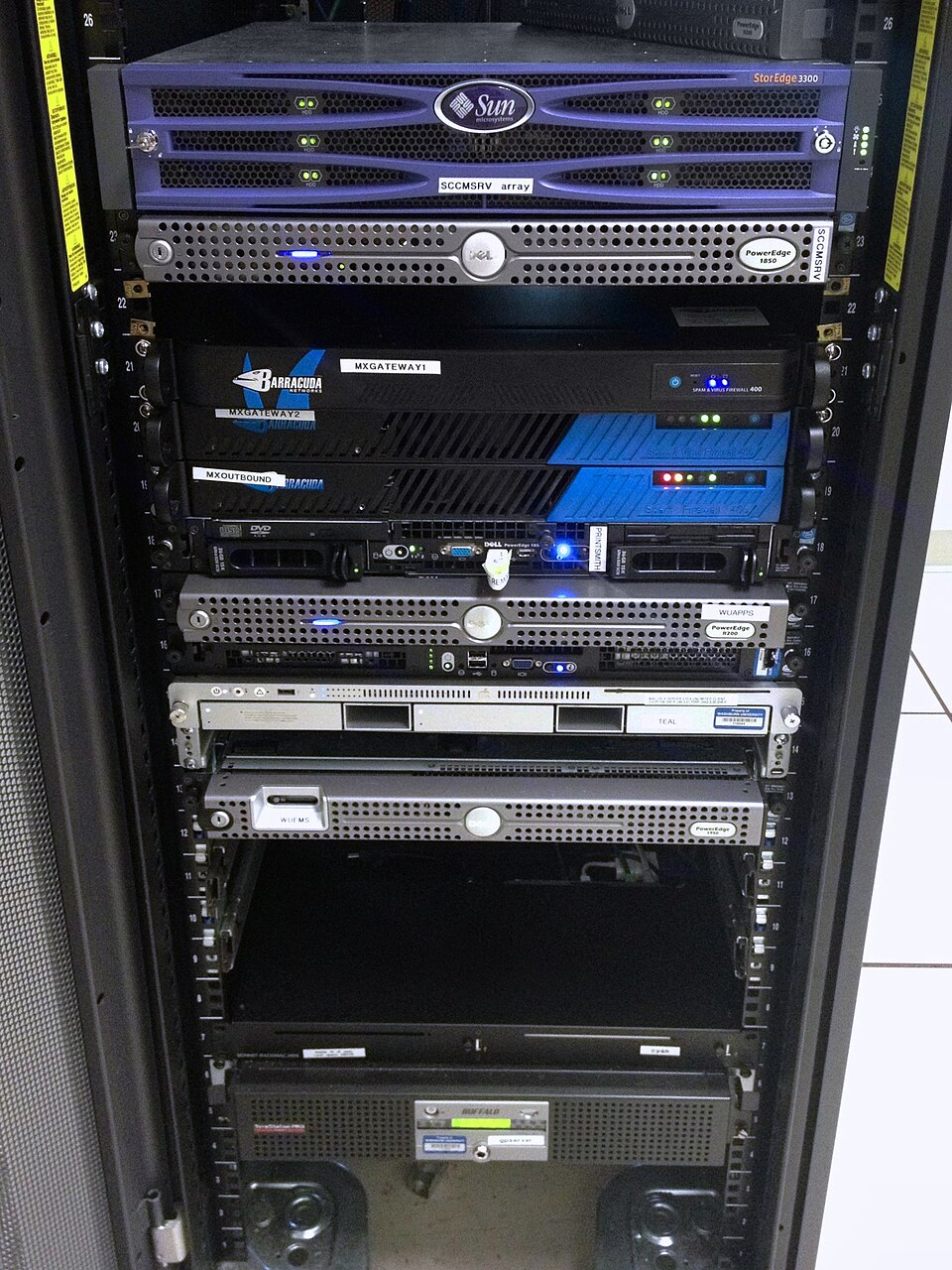 Real-world hardware (e.g., Ncell’s data centers) where relational algebra operations execute on distributed databases. (Image: Aaron Hall, CC BY-SA 2.0, via Wikimedia Commons)
Aggregation (GROUP BY, HAVING)
Relational algebra doesn’t have a direct operation, but SQL’s GROUP BY + aggregate functions (SUM, AVG) mimic it.
Example: Average credit hours per course at TU. SQL:
SELECT CName, AVG(Credit_hours) as avg_credits
FROM course
GROUP BY CName;
Division (÷)
Finds all tuples in one relation that are associated with every tuple in another.
Example: Find students who enrolled in all courses offered in Spring 2024. Tables:
student(SID, SName)course(CID, CName, semester)studies(SID, CID, semester)
Relational Algebra:
πSID(student) ÷ πCID(σsemester='Spring 2024'(course))
SQL:
SELECT SID
FROM student
WHERE NOT EXISTS (
    SELECT CID FROM course
    WHERE semester = 'Spring 2024'
    AND CID NOT IN (SELECT CID FROM studies WHERE SID = student.SID)
);
5. SQL vs. Relational Algebra: Theory Meets Practice
| Aspect | Relational Algebra | SQL |
|---|---|---|
| Type | Procedural (step-by-step) | Declarative (what, not how) |
| Output | Always a relation (table) | Can return scalar values, counts, etc. |
| Operations | Closed (output is always a relation) | Open (supports UNION ALL, LIMIT) |
| Example | σAge>20(πName(student)) |
SELECT Name FROM student WHERE Age>20 |
| Use Case | Database theory, optimization | Real-world querying |
## In the Real World
eSewa’s Payment System
- Idea Used: JOIN operations between
user,transaction, andservicetables. - How: When you pay a bill, eSewa runs a query like:
SELECT u.name, t.amount, s.provider FROM user u JOIN transaction t ON u.user_id = t.user_id JOIN service s ON t.service_id = s.service_id WHERE t.tx_id = [your_transaction_id]; - Why It Matters: Ensures your payment is linked to the correct service provider (e.g., NTC for electricity).
- Idea Used: JOIN operations between
NEPSE Stock Trading App
- Idea Used: Division + Aggregation to find "all-time high" shares.
- How: The app might query:
SELECT s.name, MAX(t.price) as peak_price FROM share s JOIN trade t ON s.share_id = t.share_id GROUP BY s.name HAVING MAX(t.price) > 1000; - Real Example: If you’re tracking Nepal Bank Limited (NBL), the app joins
shareandtradetables to show its highest price ever.
Pathao’s Driver Assignment
- Idea Used: Cartesian Product (×) + Filtering to match riders to nearby drivers.
- How: Pathao’s backend might:
- Generate all possible rider-driver pairs (
rider × driver). - Filter for pairs where
driver.locationis within 500m ofrider.locationanddriver.status = 'available'.
- Generate all possible rider-driver pairs (
- SQL Equivalent:
SELECT r.rider_id, d.driver_id, d.location
FROM rider r, driver d
WHERE ST_Distance(r.location, d.location) < 500
AND d.status = 'available';
## Exam Tip: How to Score Full Marks
For SQL Questions:
- Always write the correct table names (e.g.,
student, notStudent). - Use aliases (e.g.,
s.SIDinstead ofstudent.SID) to save space and show understanding. - Order matters: Write
FROMbeforeWHERE, andWHEREbeforeGROUP BY. - Example: For a question asking to "find all courses with credit hours > 3," write:
SELECT CName, Credit_hours
FROM course
WHERE Credit_hours > 3;
- Always write the correct table names (e.g.,
For Relational Algebra:
- Use symbols correctly:
σfor SELECT,πfor PROJECT,⋈for JOIN. - Show intermediate steps if the question asks for a multi-operation expression.
- Example: For "find names of students who study Computer Science," write:
πSName(σCName='Computer Science'(studies ⋈ course))
- Use symbols correctly:
Common Pitfalls:
- Forgetting JOIN conditions: Always specify how tables relate (e.g.,
ON student.SID = studies.SID). - Mismatched columns: Ensure attributes in
SELECTexist in the tables you’re querying. - Aggregation without GROUP BY: If using
SUMorAVG, group by non-aggregated columns.
- Forgetting JOIN conditions: Always specify how tables relate (e.g.,
Diagrams:
- If asked to "explain with a diagram," sketch an ER diagram for the tables involved or a join path (like the one above for
student–studies–course). - Label everything: Primary keys, foreign keys, and table names.
- If asked to "explain with a diagram," sketch an ER diagram for the tables involved or a join path (like the one above for
Based on the TU BBA syllabus for Database Management System (IT232), unit 3.
Discussion
Loading…