Database ManagementUnit 514 min read
SQL DDL/DML: CREATE, INSERT, UPDATE, DELETE & Aggregates
Unit 5 of Database Management covers SQL’s Data Definition Language (DDL) for schema creation (CREATE, ALTER, DROP) and Data Manipulation Language (DML) for CRUD operations (INSERT, UPDATE, DELETE, SELECT with aggregates), including syntax, constraints, and real-world transaction examples like eSewa’s customer records
TAKEAWAYS:
- SQL divides into DDL (schema definition) and DML (data operations), with
CREATE TABLEas the foundation for all relational databases. - Constraints (PRIMARY KEY, FOREIGN KEY, NOT NULL, UNIQUE, CHECK) enforce data integrity—critical for eSewa’s fraud prevention or Ncell’s billing accuracy.
- Aggregates (SUM, AVG, COUNT, MIN, MAX, GROUP BY) transform raw data into business insights, like Daraz’s monthly sales reports or NEPSE’s stock volume trends.
- Views act as virtual tables to simplify queries (e.g., a bank’s
customer_loans_viewhiding sensitive columns). - Transactions (BEGIN, COMMIT, ROLLBACK) ensure atomicity—used in Kathmandu traffic management systems to log route changes without partial updates.
- Common pitfalls: Forgetting
COMMITafter DML (locks the database), omittingWHEREinUPDATE/DELETE(accidental mass edits), or misusingGROUP BYwithoutHAVING.
1. SQL’s Two Languages: DDL vs. DML
SQL splits into two core categories:
- Data Definition Language (DDL): Defines how data is stored (schema, tables, constraints).
CREATE TABLE Customer ( CID INT PRIMARY KEY, CNAME VARCHAR(50) NOT NULL, ADDRESS VARCHAR(100), AGE INT CHECK (AGE >= 18) ); - Data Manipulation Language (DML): Manages actual data (insert, update, delete, query).
INSERT INTO Customer VALUES (1, 'Ramesh', 'Kathmandu', 25);
UPDATE Customer SET AGE = 30 WHERE CID = 1;
Why it matters:
DDL is like designing a house’s blueprint (walls, rooms, doors = tables, columns, constraints), while DML is moving furniture (adding/editing data). Mixing them without COMMIT causes errors.
2. Data Definition Language (DDL): Building the Schema
DDL commands create/modify/delete database objects. Key commands:
| Command | Purpose | Example |
|---|---|---|
CREATE TABLE |
Defines a new table’s structure | CREATE TABLE Order (OrderID INT PRIMARY KEY, C_id INT, Amount DECIMAL) |
ALTER TABLE |
Modifies an existing table | ALTER TABLE Customer ADD COLUMN Email VARCHAR(50) |
DROP TABLE |
Deletes a table (permanent!) | DROP TABLE TempOrders |
CREATE INDEX |
Speeds up searches | CREATE INDEX idx_name ON Customer(CNAME) |
Real-world analogy:
Think of CREATE TABLE as setting up a spreadsheet template for Daraz’s orders. Without it, you’d have no structure to add orders later.
2.1 Constraints: Rules for Data Integrity
Constraints are automatic checks to prevent invalid data. Essential constraints:
| Constraint | Purpose | Example |
|---|---|---|
PRIMARY KEY |
Unique identifier for a row (e.g., CID in Customer) |
CID INT PRIMARY KEY |
FOREIGN KEY |
Links to another table’s PK (enforces relationships) | C_id INT REFERENCES Customer(CID) |
NOT NULL |
Column must have a value | CNAME VARCHAR(50) NOT NULL |
UNIQUE |
Values must be distinct (e.g., email addresses) | Email VARCHAR(50) UNIQUE |
CHECK |
Custom validation (e.g., age ≥ 18) | AGE INT CHECK (AGE >= 18) |
DEFAULT |
Sets a fallback value if none provided | Status VARCHAR(20) DEFAULT 'Active' |
Example: eSewa’s Customer Table
CREATE TABLE Customer (
    CID INT PRIMARY KEY,
    CNAME VARCHAR(50) NOT NULL,
    Email VARCHAR(50) UNIQUE,
    Balance DECIMAL(10,2) DEFAULT 0.00,
    CHECK (Balance >= 0)
);
Why this matters:
UNIQUE Emailstops duplicate accounts (fraud prevention).CHECK (Balance >= 0)ensures no negative balances (critical for financial systems).
3. Data Manipulation Language (DML): CRUD Operations
DML performs Create, Read, Update, Delete on data. Key commands:
3.1 INSERT: Adding Data
INSERT INTO Customer (CID, CNAME, Email, Balance)
VALUES (1, 'Sita', 'sita@example.com', 5000.00);
Bulk insert (for many rows):
INSERT INTO Customer (CID, CNAME, Email)
VALUES
    (2, 'Hari', 'hari@example.com'),
    (3, 'Gita', 'gita@example.com');
Real-world use:
- Ncell inserts new subscriber records daily.
- Daraz inserts orders every second during sales.
3.2 UPDATE: Modifying Data
UPDATE Customer
SET Balance = Balance + 1000
WHERE CID = 1;
Danger: Omitting WHERE updates all rows!
-- ❌ Accidental mass update (sets ALL balances to 0)
UPDATE Customer SET Balance = 0;
Example: Kathmandu Traffic System
-- Update route status after a roadblock
UPDATE Routes
SET Status = 'Closed'
WHERE RouteID = 5 AND TimeBlock = '10:00-12:00';
3.3 DELETE: Removing Data
DELETE FROM Customer
WHERE CID = 3;
Warning: Like UPDATE, DELETE without WHERE wipes the entire table!
Example: NEPSE Stock Data
-- Archive old stock records (keep last 1 year)
DELETE FROM StockPrices
WHERE TradeDate < DATE_SUB(CURRENT_DATE(), INTERVAL 1 YEAR);
3.4 SELECT: Querying Data
The most powerful DML command. Basic syntax:
SELECT column1, column2
FROM table_name
WHERE condition;
Example: List all customers with balance > 1000.
SELECT CID, CNAME, Balance
FROM Customer
WHERE Balance > 1000;
4. Aggregates and GROUP BY: Summarizing Data
Aggregates (SUM, AVG, COUNT, MIN, MAX) process multiple rows into a single value.
| Function | Purpose | Example |
|---|---|---|
COUNT() |
Number of rows | SELECT COUNT(*) FROM Customer; |
SUM() |
Total of a column | SELECT SUM(Balance) FROM Customer; |
AVG() |
Average value | SELECT AVG(Price) FROM Products; |
MIN() |
Smallest value | SELECT MIN(Age) FROM Customer; |
MAX() |
Largest value | SELECT MAX(OrderAmount) FROM Orders; |
GROUP BY: Splits results by categories.
-- Daraz’s monthly sales report
SELECT MONTH(OrderDate) AS Month, SUM(Amount) AS TotalSales
FROM Orders
GROUP BY MONTH(OrderDate);
HAVING: Filters after grouping (like WHERE but for aggregates).
-- Find months with sales > 500,000
SELECT MONTH(OrderDate), SUM(Amount)
FROM Orders
GROUP BY MONTH(OrderDate)
HAVING SUM(Amount) > 500000;
5. Views: Virtual Tables for Simplicity
A view is a saved query that acts like a table. Why use views?
- Hide complex logic (e.g.,
SELECT * FROM Orders WHERE Status = 'Shipped'). - Restrict sensitive data (e.g., a bank’s
customer_loans_viewexcludesPassword). - Simplify frequent queries.
Syntax:
CREATE VIEW CustomerSummary AS
SELECT CID, CNAME, Balance
FROM Customer;
Query the view:
SELECT * FROM CustomerSummary;
Real-world example:
- NTC’s
unpaid_bills_viewshows only customers with overdue payments. - Ncell’s
active_subscribers_viewfilters out deactivated numbers.
6. Transactions: Atomic Operations
A transaction groups multiple DML statements into a single unit (all succeed or all fail). Commands:
BEGIN TRANSACTIONorSTART TRANSACTIONCOMMIT(save changes)ROLLBACK(undo changes)
Example: Bank Transfer (Atomicity)
BEGIN TRANSACTION;
UPDATE Accounts SET Balance = Balance - 1000 WHERE CID = 1;
UPDATE Accounts SET Balance = Balance + 1000 WHERE CID = 2;
COMMIT; -- Both updates succeed or both are rolled back
Why this matters:
- If the second
UPDATEfails (e.g., insufficient funds),ROLLBACKreverses the first update. - Used in Khalti’s payment processing to ensure money moves from sender to receiver or neither happens.
7. Common Mistakes and Fixes
| Mistake | Problem | Fix |
|---|---|---|
Forgetting COMMIT |
Locks the database | Always COMMIT after DML |
Omitting WHERE in UPDATE/DELETE |
Mass edits/deletes | Use WHERE to target specific rows |
Using NOT NULL on a column with DEFAULT |
Redundant | Either enforce NOT NULL or provide a DEFAULT |
Misusing GROUP BY without HAVING |
Incorrect filtering | Use HAVING for conditions on aggregates |
| Nested transactions (without support) | Errors in some DBMS | Use explicit BEGIN/COMMIT pairs |
In the Real World
eSewa’s Customer Database
- DDL: Tables like
Customer,Transaction, andPaymentwith constraints (NOT NULL Email,CHECK Balance >= 0). - DML:
INSERTfor new users,UPDATEfor balance changes,SELECTfor transaction history. - Aggregates:
SUM(Amount)for daily revenue reports. - Views:
active_users_viewhides inactive accounts from agents.
- DDL: Tables like
Daraz’s Order Processing
- Transactions: When you place an order, Daraz runs:
If stock is insufficient, itBEGIN TRANSACTION; UPDATE Inventory SET Stock = Stock - 1 WHERE ProductID = 123; INSERT INTO Orders (UserID, ProductID, Status) VALUES (456, 123, 'Processing'); COMMIT;ROLLBACKs and shows an error.
- Transactions: When you place an order, Daraz runs:
NEPSE’s Stock Data
- Aggregates:
AVG(ClosePrice)for daily market trends. - Views:
top_gainers_viewshows stocks with the highest percentage gain. - DDL: Tables like
Stock,Trade, andInvestorwithFOREIGN KEYlinks.
- Aggregates:
Pathao’s Driver Dispatch
- Constraints:
CHECK (Status IN ('Available', 'OnTrip', 'Offline'))ensures valid driver states. - DML:
UPDATE Drivers SET Status = 'OnTrip', CurrentLocation = 'KTM-001' WHERE DriverID = 789;
- Constraints:
Ncell’s Billing System
- Transactions: Monthly billing is a transaction:
BEGIN TRANSACTION;
UPDATE Customer SET Balance = Balance - 500 WHERE CID = 1001;
INSERT INTO Bills (CustomerID, Amount, DueDate) VALUES (1001, 500, '2024-11-30');
COMMIT;
- Transactions: Monthly billing is a transaction:
Exam Tip
Syntax is 50% of marks: Memorize exact commands (e.g.,
ALTER TABLEvs.CREATE TABLE).- ❌ Wrong:
ALTER TABLE Customer ADD COLUMN Email VARCHAR(50) NOT NULL; - ✅ Correct:
ALTER TABLE Customer ADD Email VARCHAR(50);
- ❌ Wrong:
Constraints are high-yield: Always include
PRIMARY KEY,FOREIGN KEY, andNOT NULLin schema questions.- Example: For a
Customertable, expect:CREATE TABLE Customer ( CID INT PRIMARY KEY, CNAME VARCHAR(50) NOT NULL, Email VARCHAR(50) UNIQUE );
- Example: For a
Aggregates + GROUP BY: Questions often ask for summaries (e.g., "Find total sales per month").
- Template:
SELECT category, SUM(amount)
FROM table
GROUP BY category
HAVING SUM(amount) > X;
- Template:
Transactions: If a question mentions "atomicity" or "no partial updates," use
BEGIN/COMMIT.- Example: For a bank transfer, show:
BEGIN TRANSACTION;
UPDATE Accounts SET Balance = Balance - 100 WHERE CID = A;
UPDATE Accounts SET Balance = Balance + 100 WHERE CID = B;
COMMIT;
- Example: For a bank transfer, show:
Views: If asked to "simplify a complex query," create a view.
- Example: For a query like
SELECT * FROM Orders WHERE Status = 'Shipped', create:CREATE VIEW ShippedOrders AS SELECT * FROM Orders WHERE Status = 'Shipped';
- Example: For a query like
Real-world tie-ins: Exams love linking SQL to business scenarios.
- Example: For a
DELETEquestion, describe how NEPSE archives old stock data:DELETE FROM StockPrices WHERE TradeDate < DATE_SUB(CURRENT_DATE(), INTERVAL 1 YEAR);
- Example: For a
Common pitfalls:
- Forgetting
COMMIT: Always end DML withCOMMITin exam answers. - Missing
WHERE: If updating/deleting, always include a condition. - Aggregate functions: Remember
COUNT(*)counts rows,COUNT(column)ignores NULLs.
- Forgetting
erDiagram
    Customer ||--o{ Order : places
    Customer {
        int CID PK
        string CNAME
        string Email UK
        decimal Balance
    }
    Order {
        int OrderID PK
        int CID FK
        date OrderDate
        decimal Amount
        string Status
    }
    Product {
        int ProductID PK
        string Name
        decimal Price
    }
    Order ||--o{ OrderItem : contains
    OrderItem {
        int OrderID FK
        int ProductID FK
        int Quantity
}Caption: Entity-Relationship (ER) diagram for an e-commerce system like Daraz, showing tables (Customer, Order, Product) and relationships (places, contains). Primary keys (PK) and foreign keys (FK) enforce data integrity.
sequenceDiagram
    participant User
    participant DarazDB
    participant InventoryDB

    User->>DarazDB: INSERT INTO Orders (UserID, ProductID, Status) VALUES (123, 456, 'Processing')
    DarazDB->>InventoryDB: UPDATE Inventory SET Stock = Stock - 1 WHERE ProductID = 456
    alt Stock > 0
        InventoryDB-->>DarazDB: SUCCESS
        DarazDB-->>User: Order confirmed!
    else Stock = 0
        InventoryDB-->>DarazDB: FAILURE (Out of stock)
        DarazDB->>DarazDB: ROLLBACK
        DarazDB-->>User: Error: Product unavailable
endCaption: Transaction flow for Daraz’s order processing. If inventory is insufficient, the INSERT into Orders is rolled back to maintain consistency.
Caption: SQL constraints table. Each constraint enforces a rule to maintain data integrity in tables like eSewa’s Customer or Ncell’s Subscriber.
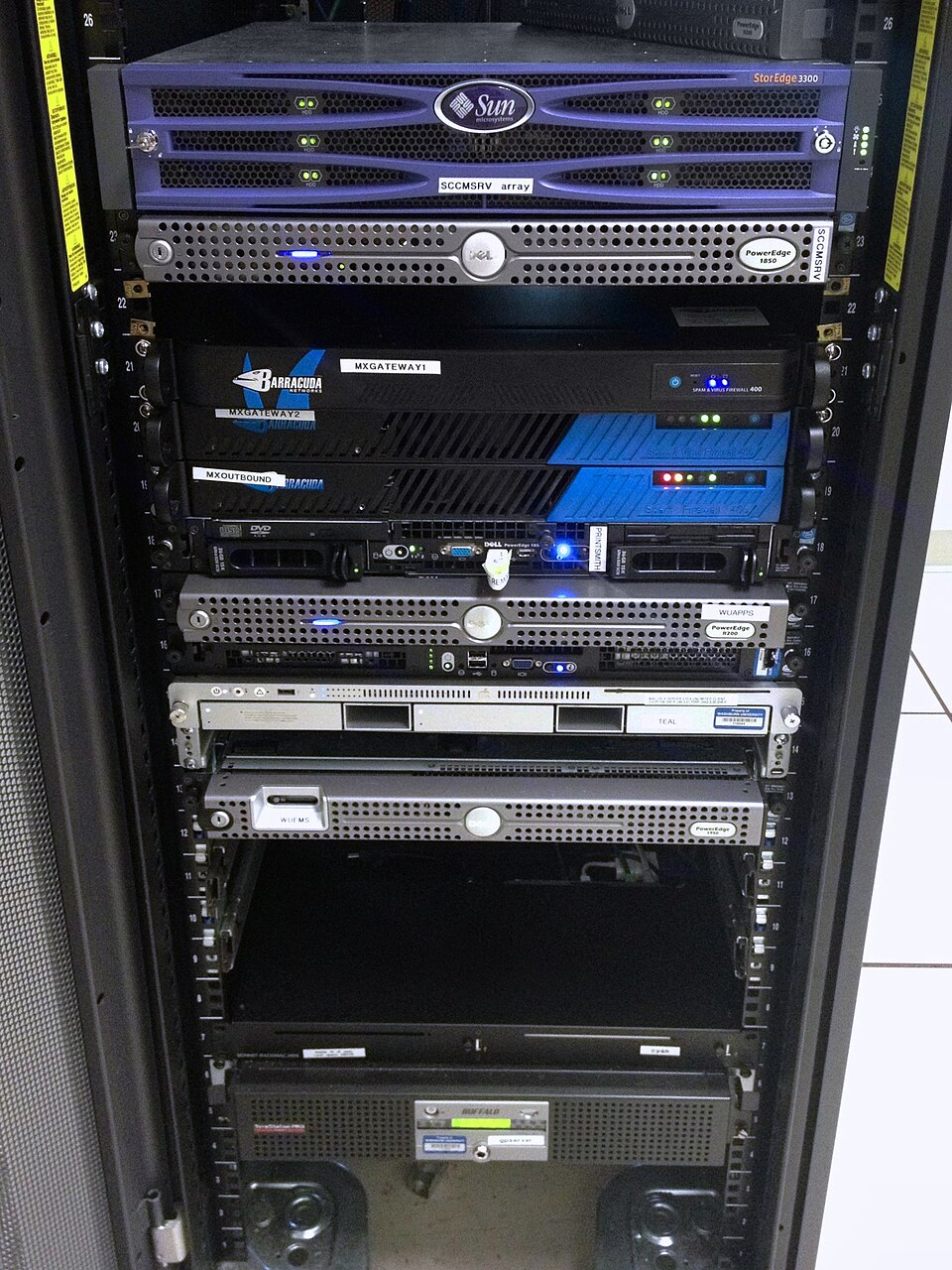 Real hardware for storing relational databases like those used by NTC or NEPSE. (Image: Aaron Hall, CC BY-SA 2.0, via Wikimedia Commons)
Based on the TU BBM syllabus for Database Management (COM312), unit 5.
Discussion
Loading…