Database Management SystemUnit 18 min read
DBMS Basics: Data Models, DBMS vs File Systems, DBMS Architecture & Applications
Unit 1 of Database Management System introduces core concepts like data models (hierarchical, network, relational), the role of DBMS in managing data efficiently, its architecture (3-tier model), and real-world applications in banking, e-commerce, and government systems. This note covers definitions, advantages, disadv
What is a Database?
A database is an organized collection of structured data stored electronically, designed to be easily accessible, managed, and updated. It allows multiple users to share data efficiently while maintaining integrity and consistency.
Types of Databases
Databases can be classified based on their data model (how data is organized and accessed). The three primary types are:
What is a Database Management System (DBMS)?
A DBMS is software that interacts with users, applications, and the database itself to capture and analyze data. It provides an interface for users to create, read, update, and delete data while ensuring security, integrity, and efficiency.
Key Functions of a DBMS
- Data Definition: Defines the structure of the database (e.g., tables, fields, relationships).
- Data Storage: Stores data efficiently on disk or in memory.
- Data Manipulation: Allows users to insert, update, delete, and retrieve data (via queries).
- Data Integrity: Ensures data accuracy and consistency (e.g., constraints, transactions).
- Security: Controls access to data (e.g., authentication, authorization).
- Backup and Recovery: Protects data from loss or corruption.
DBMS vs File System
While both store data, a file system manages files on a disk (e.g., .txt, .csv, .xlsx), whereas a DBMS manages structured data with relationships, queries, and multi-user access.
| Feature | File System | DBMS |
|---|---|---|
| Data Organization | Flat files (no relationships) | Structured (tables, relationships) |
| Querying | Manual (e.g., search in Excel) | Powerful (SQL queries) |
| Concurrency | Limited (file locks) | High (multi-user access) |
| Data Integrity | Manual checks | Automatic (constraints, transactions) |
| Scalability | Poor (manual scaling) | High (optimized for large datasets) |
| Example | Excel spreadsheets, text files | MySQL, Oracle, PostgreSQL |
Why DBMS?
- Efficiency: Faster data retrieval and updates.
- Redundancy Control: Eliminates duplicate data.
- Security: Role-based access control.
- Data Sharing: Multiple users can access simultaneously.
DBMS Architecture: The 3-Tier Model
A DBMS typically follows a three-tier architecture to separate concerns and improve performance.
mindmap
root((DBMS Architecture))
User Tier
"Interfaces: GUI, CLI, Web"
"Examples: MySQL Workbench, PHPMyAdmin"
Application Tier
"Middleware: APIs, stored procedures"
"Examples: Java, Python scripts"
Database Tier
"Storage: Tables, indexes, logs"
"Examples: MySQL server, PostgreSQL"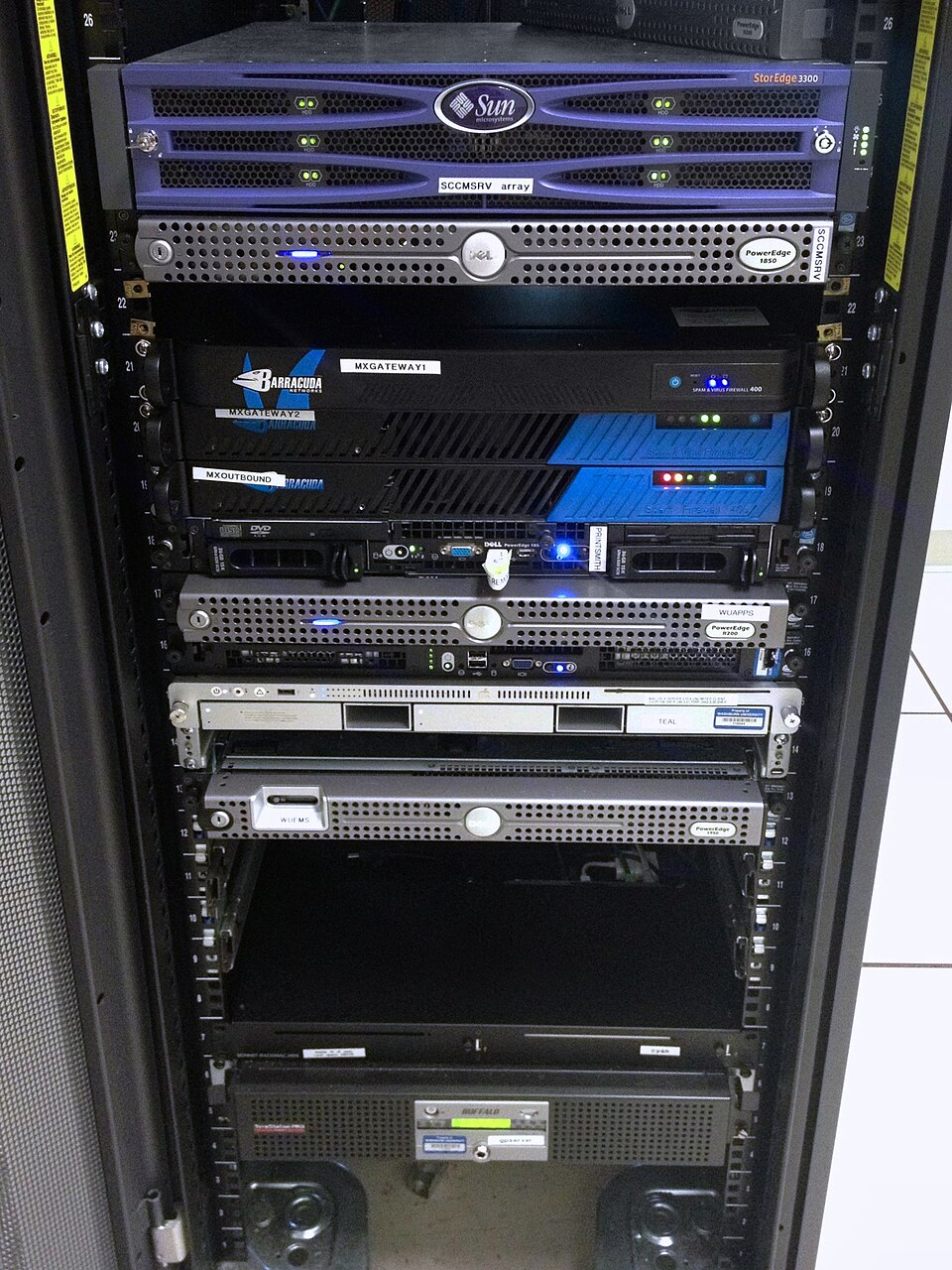 A real server rack hosting multiple database servers (e.g., Oracle, MySQL). (Image: Aaron Hall, CC BY-SA 2.0, via Wikimedia Commons)
How It Works
- User Tier: Users interact via applications (e.g., a bank’s ATM interface).
- Application Tier: Processes requests (e.g., a Java/Python script validates input).
- Database Tier: Stores and retrieves data (e.g., MySQL executes SQL queries).
Worked Example: eSewa Transaction When you pay a bill via eSewa:
- Your phone (User Tier) sends a request to eSewa’s app.
- The app (Application Tier) validates your details and checks balance.
- The DBMS (Database Tier) deducts the amount and updates records.
Advantages and Disadvantages of DBMS
Advantages
- Data Independence: Changes to the database structure don’t affect applications.
- Reduced Redundancy: Centralized data minimizes duplicates.
- Data Integrity: Enforces rules (e.g., no negative salaries).
- Concurrency Control: Multiple users can access data safely.
- Security: Passwords, encryption, and access controls.
Disadvantages
- Complexity: Requires skilled DBAs (Database Administrators).
- Cost: Licensing and hardware costs can be high.
- Performance Overhead: Queries may slow down with large datasets.
- Backup Requirements: Regular backups are critical.
Real-World Applications of DBMS
1. eSewa (Nepal)
- Idea Used: Relational Database + Transactions
- How: eSewa stores user accounts, transactions, and merchant data in a relational DB (likely PostgreSQL). When you transfer money, a transaction ensures either the full amount is deducted from your account or none (atomicity). If the transfer fails midway, the system rolls back to the initial state.
2. Khalti (Nepal)
- Idea Used: Normalization + Security Constraints
- How: Khalti’s database is normalized to avoid redundancy (e.g., user details stored once, not duplicated across tables). Security constraints (e.g.,
NOT NULLon phone numbers) ensure data integrity. When you link your bank account, Khalti’s DBMS validates the account details before processing.
3. Ncell (Nepal)
- Idea Used: Hierarchical Data + Indexing
- How: Ncell’s billing system uses a hierarchical model to store customer data (e.g.,
Customers → Subscribers → Billing). Indexes on phone numbers speed up searches when you check your balance or top up.
4. Google (Global)
- Idea Used: Distributed DBMS + Replication
- How: Google’s search engine uses a distributed DBMS (e.g., Spanner) to store and replicate data across data centers worldwide. When you search for "DBMS notes," Google’s system queries multiple databases in milliseconds to return results.
5. NEPSE (Nepal Stock Exchange)
- Idea Used: Relational Database + Concurrency Control
- How: NEPSE’s trading system uses a relational DB to track stock prices, trades, and investor portfolios. Concurrency control ensures that if two investors buy the same share simultaneously, the system handles it without errors (e.g., via locks or timestamps).
Worked Example: Bank Loan Interest Calculation
Scenario: A bank uses a DBMS to calculate monthly interest on a loan. The database has tables:
Customers(customer_id, name, loan_amount, interest_rate)Payments(payment_id, customer_id, amount, date)
SQL Query to Calculate Monthly Interest:
SELECT customer_id, name, (loan_amount * interest_rate / 100 / 12) AS monthly_interest
FROM Customers
WHERE loan_amount > 100000;
How the DBMS Helps:
- Data Integrity: Ensures
interest_rateis always a valid number (e.g.,CHECK (interest_rate > 0)). - Concurrency: If two bank officers update the same loan record, the DBMS uses locks to prevent conflicts.
- Backup: Daily backups ensure loan data isn’t lost in a crash.
Exam Tip
- Define Clearly: Always define terms like "DBMS," "data model," and "transaction" with examples.
- Compare DBMS vs File System: Use a table to highlight differences (as above). Examiners love structured comparisons.
- Draw the 3-Tier Architecture: Sketch the user, application, and database tiers with arrows showing data flow. Label each tier’s role.
- Real-World Links: Relate concepts to Nepali apps (e.g., eSewa for transactions, Khalti for security). This shows applied understanding.
- Advantages/Disadvantages: List 2–3 pros and cons for each topic. Avoid vague points like "it’s fast" without explaining why.
- SQL Basics: Know that DBMS uses SQL for querying. A simple
SELECTquery can fetch marks even in Unit 1.
Visual Summary:
Based on the TU BIM syllabus for Database Management System (IT220), unit 1.
Discussion
Loading…