Operating SystemUnit 96 min read
I/O Systems, Disk Scheduling, RAID, Buffering & Caching
Unit 9 of Operating System: Explores Input/Output (I/O) subsystems, disk management techniques (scheduling, partitioning, RAID), buffering/caching strategies, and their impact on system performance, with real-world examples from Nepalese tech (eSewa, NTC) and global platforms (Google Cloud, YouTube).
Key Concepts and Components of I/O Systems
1. I/O Subsystem Architecture
The I/O subsystem manages data transfer between the CPU and peripheral devices (e.g., disks, keyboards, networks). It consists of:
- I/O Devices: Hardware like disks, printers, or network cards.
- Device Controllers: Hardware that interfaces between devices and the system bus.
- Device Drivers: Software that translates OS commands into hardware-specific instructions.
- I/O Software: Includes device-independent and device-dependent layers.
classDiagram
    class UserProcess {
        +read/write()
    }
    class DeviceDriver {
        +open()
        +close()
        +read()
        +write()
    }
    class DeviceController {
        +interrupt()
        +DMA()
    }
    class HardwareDevice {
        <<hardware>>
        +disk
        +printer
    }
    UserProcess --> DeviceDriver : "Uses"
    DeviceDriver --> DeviceController : "Controls"
    DeviceController --> HardwareDevice : "Manages"
2. I/O Methods
I/O operations can be performed using:
- Programmed I/O: CPU checks device status repeatedly (polling).
- Interrupt-Driven I/O: Device sends an interrupt when ready.
- Direct Memory Access (DMA): Device transfers data directly to/from memory without CPU intervention.
Comparison Table:
| Method | CPU Involvement | Speed | Complexity |
|---|---|---|---|
| Programmed I/O | High | Slow | Low |
| Interrupt-Driven | Moderate | Faster | Moderate |
| DMA | Low | Fastest | High |
Example: When you upload a file on eSewa, the OS uses DMA to transfer large data chunks from your device to eSewa’s servers without overloading the CPU.
Disk Management
1. Disk Scheduling Algorithms
The OS schedules disk requests to minimize seek time (time to move the disk head) and rotational latency (time for data to rotate under the head). Common algorithms:
- First-Come-First-Served (FCFS): Processes requests in arrival order.
- Shortest Seek Time First (SSTF): Chooses the nearest request.
- Scan (Elevator Algorithm): Moves the head in one direction, servicing requests along the way.
- C-SCAN (Circular Scan): Similar to Scan but resets to the start after reaching the end.
- Look and C-Look: Optimized versions of Scan and C-SCAN that only move in one direction.
Worked Example (NTC Traffic Analogy): Imagine NTC’s fiber-optic cables as a disk platter, and requests as traffic signals. If NTC uses C-SCAN, the "disk head" (signal priority) moves from one end of Kathmandu to the other, servicing requests in order before resetting. This reduces average wait time compared to FCFS.
sequenceDiagram
    participant OS
    participant DiskHead
    participant Request1
    participant Request2
    participant Request3

    OS->>DiskHead: Schedule using C-SCAN
    DiskHead->>Request1: Move to Track 10
    DiskHead->>Request2: Move to Track 20
    DiskHead->>Request3: Move to Track 30
    DiskHead-->>OS: Complete cycle, reset to start
2. Disk Partitioning
Divides a disk into logical sections for:
- Primary Partition: Bootable OS partition.
- Extended Partition: Contains logical drives.
- Logical Drives: Subdivisions of extended partitions.
Example: Your laptop’s OS (Windows/Linux) is on a primary partition, while games or large files might be on a separate logical drive for better management.
3. RAID (Redundant Array of Independent Disks)
RAID improves performance, reliability, or both by combining multiple disks. Common levels:
| RAID Level | Description | Use Case |
|---|---|---|
| RAID 0 | Striping (no redundancy) | High-speed storage (e.g., gaming PCs) |
| RAID 1 | Mirroring (duplicate data) | Critical data (e.g., bank servers) |
| RAID 5 | Striping + parity (fault tolerance) | Web servers (e.g., YouTube) |
| RAID 10 | Mirroring + striping | High availability (e.g., Google Cloud) |
Example: YouTube’s servers use RAID 5 or RAID 10 to ensure videos stream without interruption, even if a disk fails.
Buffering and Caching
1. Buffering
Temporarily holds data in memory to smooth out speed differences between devices (e.g., slow disk vs. fast CPU). Types:
- Single Buffering: Data is copied from device to buffer, then to memory.
- Double Buffering: Two buffers alternate to avoid CPU idle time.
Example: When Pathao processes thousands of ride requests, buffering ensures the app doesn’t freeze while waiting for GPS data.
2. Caching
Stores frequently accessed data in faster memory (e.g., CPU cache, disk cache). Reduces I/O operations.
- Disk Cache: Part of main memory used for disk blocks.
- Buffer Cache: Stores file blocks for faster access.
Example: Google’s search engine uses multi-level caching (CPU cache → RAM cache → disk cache) to return results in milliseconds.
Exam Tip
- Disk Scheduling: Always compare algorithms using a request queue trace (e.g., requests at tracks 10, 22, 20, 12). Calculate average seek time for each.
- RAID: Memorize the trade-offs (e.g., RAID 0 = speed but no redundancy; RAID 1 = redundancy but 50% storage loss).
- Buffering vs. Caching: Buffering is for data in transit; caching is for frequently accessed data.
- Real-World Links: Relate disk scheduling to NTC’s fiber traffic or Khalti’s transaction queues. For RAID, mention bank servers or cloud storage.
- Diagrams: Draw disk head movement for scheduling algorithms and RAID configurations in exams.
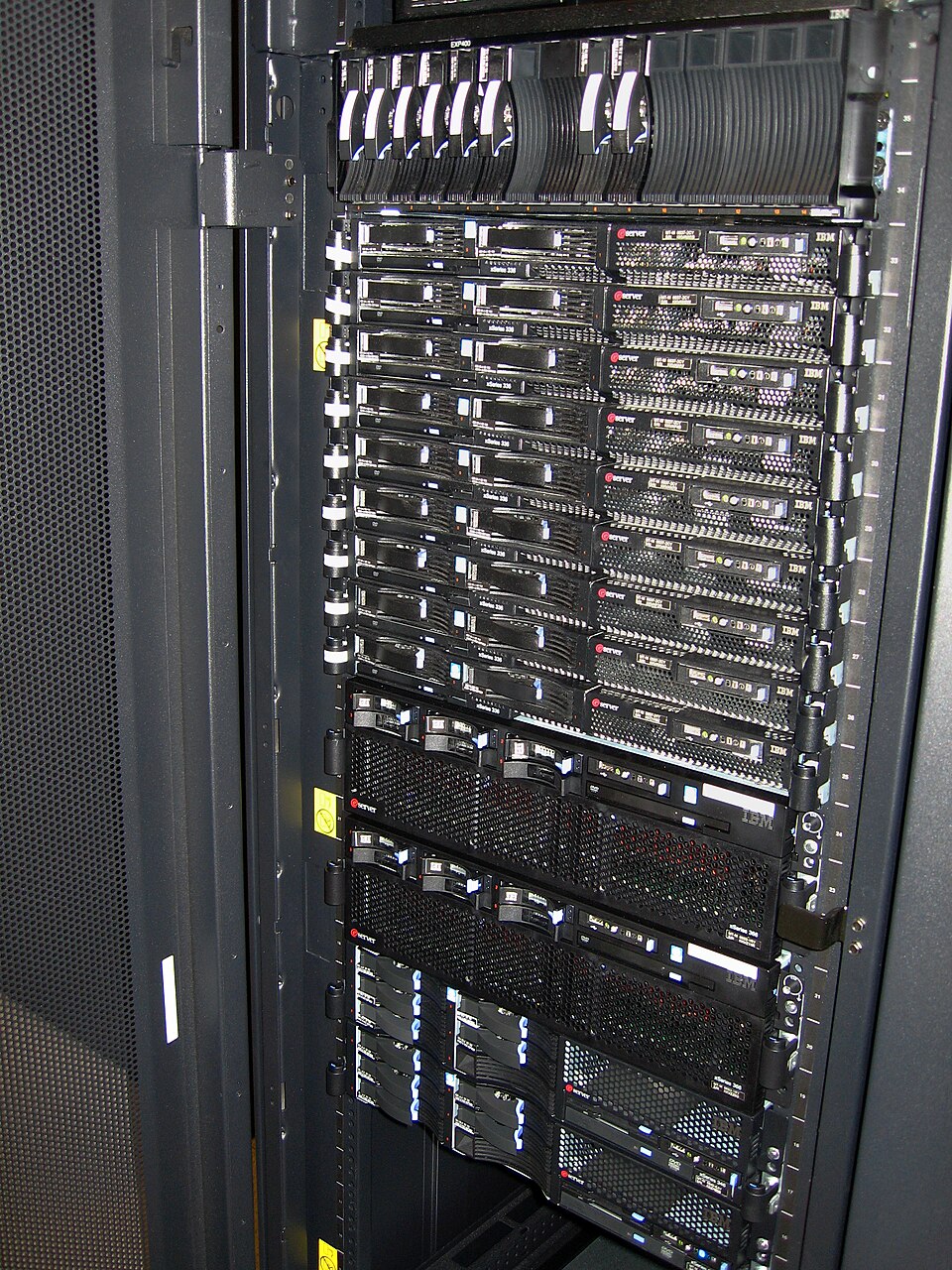 A real data center rack showing multiple HDDs in a RAID array. (Image: Jemimus, CC BY 2.0, via Wikimedia Commons)
Based on the TU BITM syllabus for Operating System (IT241), unit 9.
Discussion
Loading…