Database AdministrationUnit 213 min read
DBMS Architecture & Installation: Layers, Components & Setup
Unit 2 of Database Administration explores the internal architecture of DBMS (three-schema, two-layer, client-server models), core components (query processor, storage manager, DML/DDL compilers), and hands-on installation procedures for Oracle, MySQL, and PostgreSQL, including configuration files, user roles, and trou
TAKEAWAYS:
- A DBMS follows a three-schema architecture (external, conceptual, internal) to separate user views from physical storage, enabling flexibility and security.
- The two-layer architecture (storage manager + query processor) handles data storage (files, indexes) and processing (parsing, optimization, execution) separately.
- Client-server DBMS separates front-end applications from back-end databases, improving scalability and remote access (e.g., eSewa’s transaction system).
- Installation involves configuring system parameters (e.g.,
my.cnffor MySQL,postgresql.conffor PostgreSQL) and setting up user privileges (e.g.,GRANT,REVOKE). - Performance tuning during installation includes adjusting buffer pools, log file sizes, and memory allocation (e.g., Oracle’s
SGAandPGA). - Troubleshooting requires checking logs (e.g.,
error.login MySQL) and verifying dependencies (e.g., Java for Oracle,libpqfor PostgreSQL).
1. DBMS Architecture: Three-Schema Model
A DBMS uses a three-level architecture to decouple user needs from physical storage. This ensures data independence and security.
1.1 The Three Schemas
classDiagram
    class ExternalSchema {
        +User-specific views (e.g., "Employee Salary Report")
        +Defined via SQL views or subschemas
    }
    class ConceptualSchema {
        +Entity-Relationship (ER) model
        +Normalized tables (e.g., `Customer`, `Order`)
        +Constraints (PK, FK, NOT NULL)
    }
    class InternalSchema {
        +Physical storage details (files, indexes, hashing)
        +Data structures (B-trees, heap files)
        +Storage paths (e.g., `/opt/oracle/oradata`)
    }
    ExternalSchema --> ConceptualSchema : "Maps to"
    ConceptualSchema --> InternalSchema : "Maps to"
    note for ExternalSchema "Example: eSewa app shows only 'Payment Status' to users."
    note for InternalSchema "Example: Oracle stores tables in datafiles (e.g., `users01.dbf`)."
Key Idea:
- External Schema: What users see (e.g., a bank’s "Loan Application Form").
- Conceptual Schema: The logical design (e.g., tables
Customer,Loan, with relationships). - Internal Schema: How data is physically stored (e.g., indexed files on disk).
Worked Example: eSewa’s Database Architecture
- External Schema: Users see only "Transaction ID," "Amount," and "Status" (not raw SQL tables).
- Conceptual Schema: Tables like
Transaction,User, andBankwith foreign keys. - Internal Schema: Data stored in PostgreSQL tablespaces with B-tree indexes for fast lookups.
2. Two-Layer Architecture: How a DBMS Processes Queries
A DBMS splits work into two layers: Storage Manager and Query Processor.
2.1 Storage Manager
Handles physical data storage and retrieval. Key components:
- Authorization and Integrity Manager: Enforces SQL
GRANT/REVOKEand constraints. - Transaction Manager: Ensures ACID properties (e.g.,
COMMIT/ROLLBACKin banks). - File Manager: Manages data files (e.g., Oracle’s
.dbffiles), indexes, and buffers. - Buffer Manager: Caches frequently accessed data in memory (e.g., MySQL’s
innodb_buffer_pool_size).
Visual: Storage Manager Components
flowchart LR
    A["User Query\n(e.g., SELECT * FROM Orders)"] --> B["Query Processor"]
    B --> C["DDL/DML Compiler\n(Converts SQL to internal format)"]
    B --> D["Query Optimizer\n(Chooses best execution plan)"]
    B --> E["Query Execution Engine\n(Runs the plan)"]
    E --> F["Storage Manager"]
    F --> G["File Manager\n(Data files, indexes)"]
    F --> H["Buffer Manager\n(Caches data in RAM)"]
    F --> I["Transaction Manager\n(ACID compliance)"]
    F --> J["Authorization Manager\n(Checks permissions)"
2.2 Query Processor
Breaks down SQL into executable steps:
- DDL/DML Compiler: Parses SQL into a query tree.
- Query Optimizer: Chooses the fastest execution plan (e.g., index scan vs. full table scan).
- Query Execution Engine: Runs the plan using the storage manager.
Worked Example: Pathao’s Ride Allocation Query
- SQL:
SELECT * FROM Rides WHERE status = 'assigned' AND pickup_time > NOW() - INTERVAL '5 minutes' - Optimizer Choice: Uses a B-tree index on
statusandpickup_time(faster than scanning all rows). - Execution: Fetches only matching rows from disk via the buffer manager.
3. Client-Server DBMS Architecture
Most modern DBMS (e.g., MySQL, PostgreSQL, Oracle) use a client-server model, where:
- Client: Front-end applications (e.g., eSewa mobile app, Daraz admin panel).
- Server: Back-end DBMS (e.g., PostgreSQL running on a cloud server).
Advantages:
- Scalability (add more servers for load balancing).
- Remote access (e.g., Ncell’s customer service queries databases in Kathmandu from Pokhara).
- Security (firewalls protect the server).
Disadvantages:
- Network latency (slow for geographically dispersed users).
- Single point of failure (unless replicated).
Visual: Client-Server DBMS
flowchart TD
    A["Client Apps\n(e.g., eSewa App, Daraz Website)"] -->|"HTTP/SQL"| B["Load Balancer"]
    B --> C["DB Server 1\n(PostgreSQL)"]
    B --> D["DB Server 2\n(MySQL)\n(Replica for backup)"]
    C --> E["Storage\n(SSD/HDD/Raid Array)"]
    D --> E
Real-World Example:
- Nepal Rastra Bank’s Core Banking System:
- Clients: ATMs, mobile banking apps (e.g., NMB Bank’s app).
- Server: Oracle Database with three-tier architecture (web server → app server → DB server).
- Installation: Configured with
listener.orafor network access andinit.orafor performance tuning.
4. DBMS Installation Steps
Installing a DBMS involves:
- Prerequisites: OS compatibility (e.g., PostgreSQL on Linux/Windows), dependencies (e.g.,
libpqfor PostgreSQL). - Software Installation: Download from official sites (e.g., MySQL, PostgreSQL).
- Configuration Files: Edit settings like:
- MySQL:
/etc/my.cnf(setinnodb_buffer_pool_size = 1G). - PostgreSQL:
/var/lib/pgsql/data/postgresql.conf(setshared_buffers = 25%of RAM). - Oracle:
init.ora(setdb_block_size = 8K).
- MySQL:
- User Creation: Create admin users and grant privileges:
-- MySQL CREATE USER 'admin'@'localhost' IDENTIFIED BY 'password'; GRANT ALL PRIVILEGES ON *.* TO 'admin'@'localhost'; -- PostgreSQL CREATE USER admin WITH PASSWORD 'password' CREATEDB; - Service Startup: Use commands like:
# MySQL sudo systemctl start mysql # PostgreSQL sudo service postgresql start - Verification: Test connectivity and performance:
mysql -u admin -p  # MySQL
psql -U admin      # PostgreSQL
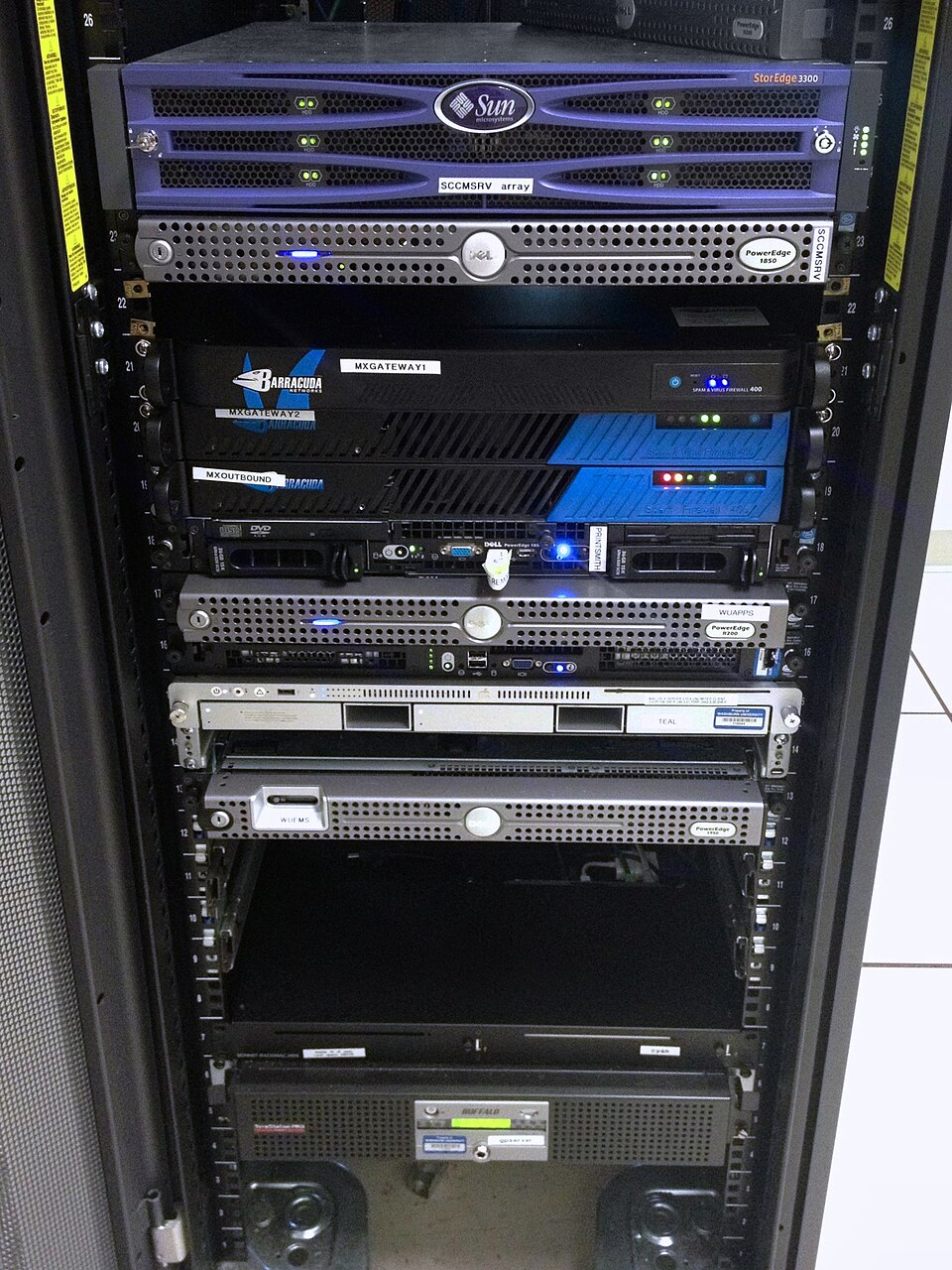 Rows of servers hosting Ncell’s customer data (Image: Aaron Hall, CC BY-SA 2.0, via Wikimedia Commons)
5. Performance Tuning During Installation
Key parameters to configure for optimal performance:
| Parameter | MySQL | PostgreSQL | Oracle | Purpose |
|---|---|---|---|---|
| Buffer Pool Size | innodb_buffer_pool_size |
shared_buffers |
db_block_buffers |
Reduces disk I/O by caching data. |
| Log File Size | innodb_log_file_size |
wal_level (Write-Ahead Log) |
log_buffer |
Faster transactions, crash recovery. |
| Max Connections | max_connections |
max_connections |
sessions |
Handles concurrent users (e.g., Daraz’s peak hours). |
| Query Cache | query_cache_size |
Disabled (use application cache) | result_cache |
Speeds up repeated queries. |
| Temp Table Space | tmp_table_size |
temp_buffers |
temp_space |
Manages temporary query results. |
Worked Example: Daraz’s Database Tuning for Black Friday
- Problem: Slow order processing during sales peaks.
- Solution:
- Increased
innodb_buffer_pool_sizeto 50% of RAM (from 2GB to 16GB). - Added read replicas (PostgreSQL replication) to distribute load.
- Set
max_connections = 500(up from 100) to handle 10,000+ concurrent users.
- Increased
6. Troubleshooting Installation Issues
Common problems and fixes:
| Issue | Cause | Solution |
|---|---|---|
| Service fails to start | Missing dependencies (e.g., libaio) |
Install dependencies: sudo apt install libaio1 |
| Permission denied | Incorrect file permissions | chmod 755 /var/lib/mysql |
| Port conflict (e.g., 3306) | Another MySQL instance running | Stop conflicting service: sudo systemctl stop mysql |
| Configuration file syntax error | Invalid my.cnf/postgresql.conf |
Validate with mysql --validate-config |
| Out of memory | Buffer pool too large | Reduce innodb_buffer_pool_size or add RAM |
Real-World Example: NTC’s Billing System Downtime
- Problem: PostgreSQL crashed during a power outage.
- Root Cause:
shared_bufferswas set to 80% of RAM, leaving no space for OS. - Fix: Reduced to 50% of RAM and enabled WAL archiving for recovery.
7. Comparing Popular DBMS Installations
| Feature | MySQL | PostgreSQL | Oracle Database |
|---|---|---|---|
| License | Open-source (GPL) | Open-source (PostgreSQL License) | Proprietary (paid) |
| Default Port | 3306 | 5432 | 1521 |
| Configuration File | /etc/my.cnf |
/var/lib/pgsql/data/postgresql.conf |
$ORACLE_HOME/dbs/init.ora |
| User Creation SQL | CREATE USER user IDENTIFIED BY 'pass'; |
CREATE USER user WITH PASSWORD 'pass'; |
CREATE USER user IDENTIFIED BY pass; |
| Backup Command | mysqldump -u root -p db_name > backup.sql |
pg_dump -U user db_name > backup.sql |
expdp system/password FULL=Y DIRECTORY=backup_dir DUMPFILE=backup.dmp |
| Best For | Web apps (e.g., WordPress), e-commerce (Daraz) | Complex queries, financial systems (Nepal Rastra Bank) | Enterprise (Ncell, NMB Bank) |
8. Real-World Applications
In the Real World
eSewa’s Transaction System
- Architecture: PostgreSQL with three-tier client-server model.
- Key Idea: Transaction Manager ensures ACID compliance for payments (e.g.,
BEGIN; UPDATE account SET balance = balance - 1000; COMMIT;). - Installation: Configured with
wal_level = replicafor high availability.
Ncell’s Customer Database
- Architecture: Oracle with partitioned tables (e.g.,
customerssplit by region). - Key Idea: Query Optimizer uses partition pruning to scan only relevant data (e.g., "Show all customers in Kathmandu").
- Installation:
db_block_size = 8Kfor faster mobile app queries.
- Architecture: Oracle with partitioned tables (e.g.,
Daraz’s Order Processing
- Architecture: MySQL with read replicas for scalability.
- Key Idea: Buffer Manager caches frequent queries (e.g., "Show orders by customer ID").
- Installation:
innodb_buffer_pool_instances = 8to parallelize I/O.
Exam Tip
- Diagrams Are Critical: Draw the three-schema model and two-layer architecture in exams. Label all components (e.g., "Query Optimizer," "Buffer Manager").
- Configuration Files: Memorize key files:
- MySQL:
/etc/my.cnf - PostgreSQL:
postgresql.conf - Oracle:
init.ora - Know one parameter from each (e.g.,
innodb_buffer_pool_size,shared_buffers).
- MySQL:
- SQL Commands: Be ready to write:
- User creation (
CREATE USER). - Privilege grants (
GRANT SELECT ON table TO user). - Service startup commands (
systemctl start postgresql).
- User creation (
- Real-World Links: Relate concepts to Nepalese examples:
- eSewa: Three-schema architecture (users see only transactions).
- Ncell: Client-server model (mobile app → DB server).
- Nepal Rastra Bank: Oracle’s
init.orafor performance tuning.
- Troubleshooting: Expect questions like:
- "MySQL won’t start. What’s the first step?" → Check logs (
/var/log/mysql/error.log). - "How would you optimize Daraz’s database for Black Friday?" → Increase buffer pool, add replicas.
- "MySQL won’t start. What’s the first step?" → Check logs (
Final Visual Summary
mindmap
  root((DBMS Architecture))
    Three-Schema Model
      External Schema
      Conceptual Schema
      Internal Schema
    Two-Layer Architecture
      Storage Manager
        Buffer Manager
        File Manager
        Transaction Manager
      Query Processor
        Compiler
        Optimizer
        Execution Engine
    Client-Server Model
      Clients (eSewa App)
      Server (PostgreSQL)
      Load Balancer
    Installation Steps
      Prerequisites
      Configuration Files
      User Creation
      Service Startup
    Performance Tuning
      Buffer Pool Size
      Log Files
      Connections
Based on the TU BITM syllabus for Database Administration (IT276), unit 2.
Discussion
Loading…