Introduction to Cloud ComputingUnit 210 min read
Cloud Computing Architecture – Service & Deployment Models, Reference Architecture, and Design Patterns
Unit 2 of Introduction to Cloud Computing: explores the layered structure of cloud services, compares IaaS, PaaS, SaaS, public/private/hybrid deployments, and presents the NIST reference model, multi‑tenancy, elasticity, and common architectural patterns such as microservices and serverless.
Key points
- Cloud architecture is organized into three service layers: infrastructure, platform, and application.
- Deployment models (public, private, hybrid, community) trade off cost, control, and security.
- The NIST reference model defines five layers: cloud service provider, cloud service consumer, network, data center, and physical infrastructure.
- Elasticity and auto‑scaling are core to cloud design, enabling dynamic resource allocation.
- Common patterns (monolithic, microservices, serverless) influence scalability, maintainability, and cost.
- Security, monitoring, and governance must be embedded at every layer.
1. Introduction to Cloud Architecture
Cloud computing architecture is the blueprint that defines how cloud services are delivered, managed, and consumed. It specifies the interaction between hardware, software, network, and users, and it provides a common language for architects, developers, and operators. The architecture is usually described in layers, each responsible for a distinct set of functions.
1.1 Layered View
The most widely accepted layered view is the NIST Reference Architecture (NRA), which consists of five layers:
| Layer | Responsibility | Typical Components |
|---|---|---|
| 1. Cloud Service Consumer | End‑user or application that consumes cloud services | Web browsers, mobile apps, APIs |
| 2. Cloud Service Provider | Offers services to consumers | SaaS, PaaS, IaaS offerings |
| 3. Cloud Network | Connectivity between consumer and provider | VPN, MPLS, SD‑WAN |
| 4. Cloud Data Center | Physical facilities that host resources | Servers, storage arrays, cooling |
| 5. Physical Infrastructure | Underlying hardware and network | CPUs, memory, fibre optics, routers |
The layered model clarifies responsibilities and helps in designing scalable, secure, and cost‑effective solutions.
1.2 Service Models
Cloud services are grouped into three primary models, each adding a layer of abstraction:
| Model | Abstraction Level | What the consumer manages | What the provider manages |
|---|---|---|---|
| IaaS | Infrastructure | Virtual machines, storage, networking | Physical servers, hypervisors, data center |
| PaaS | Platform | Application code, runtime, data | Runtime environment, middleware, OS |
| SaaS | Software | User data, configuration | Full application stack |
Worked Example – SaaS Payment Gateway
A user of eSewa initiates a payment. The flow is:
- Client Layer – Mobile app sends a payment request to eSewa’s API.
- Application Layer (SaaS) – eSewa’s web service validates the request, applies business rules, and records the transaction.
- Platform Layer (PaaS) – The application runs on a managed runtime (e.g., Node.js on Azure App Service).
- Infrastructure Layer (IaaS) – The runtime runs on virtual machines backed by storage and networking.
- Physical Layer – The VMs are hosted on servers in a data center with fibre‑optic connectivity.
The entire stack is abstracted away from the user; the user only interacts with the SaaS application.
1.3 Deployment Models
Deployment models describe how cloud resources are provisioned and shared:
| Model | Ownership | Control | Typical Use Cases |
|---|---|---|---|
| Public Cloud | Third‑party provider | Limited | Start‑ups, public services |
| Private Cloud | Organization | Full | Sensitive data, regulated industries |
| Hybrid Cloud | Combination | Shared | Disaster recovery, burst workloads |
| Community Cloud | Shared by several organizations | Shared | Government agencies, research labs |
Comparison Table – Public vs Private
| Feature | Public Cloud | Private Cloud |
|---|---|---|
| Cost | Pay‑as‑you‑go | Capital expenditure |
| Scalability | Near‑unlimited | Limited by internal capacity |
| Security | Shared responsibility | Full responsibility |
| Customization | Limited | High |
2. Cloud Architecture Patterns
Architectural patterns dictate how components interact, influencing scalability, resilience, and maintainability.
2.1 Monolithic vs Microservices
- Monolithic: Single codebase, tightly coupled components.
- Microservices: Small, independent services communicating over APIs.
Advantages of Microservices
- Independent scaling
- Fault isolation
- Continuous delivery
Disadvantages
- Increased operational complexity
- Network latency
2.2 Serverless Architecture
Serverless abstracts the server entirely; developers write functions that are invoked by events. The cloud provider automatically scales and manages the underlying infrastructure.
Key Concepts
- Functions as a Service (FaaS) – e.g., AWS Lambda, Azure Functions.
- Event‑Driven – Triggers from queues, timers, or HTTP requests.
- Stateless – Each invocation is independent.
2.3 Event‑Driven Architecture
Components communicate via events, enabling loose coupling and high scalability. Common patterns include publish/subscribe and message queues.
2.4 Multi‑Tenancy
Multiple customers share the same physical resources while maintaining logical isolation. Multi‑tenancy is fundamental to cost efficiency but requires robust security controls.
3. Key Architectural Components
3.1 Compute Layer
- Virtual Machines – IaaS compute units.
- Containers – Lightweight, portable units (Docker).
- Serverless Functions – FaaS.
3.2 Storage Layer
- Block Storage – SSDs, HDDs attached to VMs.
- Object Storage – S3‑compatible buckets.
- File Storage – NFS, SMB shares.
3.3 Networking Layer
- Virtual Private Cloud (VPC) – Isolated network.
- Load Balancers – Distribute traffic.
- Content Delivery Network (CDN) – Edge caching.
3.4 Security Layer
- Identity & Access Management (IAM) – Role‑based access.
- Encryption – Data at rest and in transit.
- Compliance – GDPR, ISO 27001.
3.5 Management & Monitoring
- Auto‑Scaling – Dynamic resource allocation.
- Observability – Logs, metrics, traces.
- Governance – Cost management, policy enforcement.
4. Elasticity and Auto‑Scaling
Elasticity is the ability to scale resources up or down in response to demand. Auto‑scaling automates this process.
4.1 Auto‑Scaling Triggers
- CPU Utilization – Scale when > 70%.
- Queue Length – Scale when messages > threshold.
- Custom Metrics – Application‑specific signals.
4.2 Auto‑Scaling Workflow
flowchart TD
    A["User Request"] --> B["Load Balancer"]
    B --> C["Application Server"]
    C --> D["CPU Utilization"]
    D -->|">70%"| E["Scale Out"]
    D -->|"<30%"| F["Scale In"]
    E --> G["Provision New VM"]
    F --> H["Terminate VM"]
Worked Example – Daraz Order Queue
Daraz receives a surge of orders during a sale. The order service monitors the SQS queue length. When the queue exceeds 500 messages, the auto‑scaling policy triggers, adding two more worker instances. Each worker processes 100 orders per minute, reducing the queue backlog from 500 to 200 in 5 minutes. After the surge, the queue drops below 100, and the policy scales the workers back down, saving costs.
5. Cloud Architecture in Practice
5.1 Real‑World Example – eSewa (SaaS)
- Service: Payment gateway.
- Architecture: Microservices + serverless functions for transaction processing, with a PostgreSQL database in a managed RDS instance.
- Benefits: Rapid deployment, high availability, and compliance with Nepal’s banking regulations.
5.2 Real‑World Example – Pathao (Hybrid)
- Service: Ride‑hailing and logistics.
- Architecture: Core dispatch system on a private cloud; surge pricing and analytics on a public cloud.
- Benefits: Sensitive data remains on-premises while leveraging public cloud elasticity for peak demand.
5.3 Real‑World Example – Ncell (IaaS)
- Service: Mobile network infrastructure.
- Architecture: Virtualized network functions (VNFs) running on a private cloud, connected to the public internet via enterprise routers.
- Benefits: Faster rollout of new services and cost savings on hardware.
6. Visuals and Real Pictures
sequenceDiagram
    participant User
    participant API
    participant Auth
    participant DB
    User->>API: POST /login
    API->>Auth: Validate token
    Auth->>DB: Query user
    DB-->>Auth: Return user data
    Auth-->>API: Auth success
    API-->>User: 200 OK
stateDiagram-v2
[*] --> Idle
Idle --> ScalingOut : CPU > 70%
ScalingOut --> Running
Running --> ScalingIn : CPU < 30%
ScalingIn --> IdleerDiagram
USERS ||--o{ ORDERS : places
ORDERS ||--|{ ITEMS : contains
ITEMS }o--|| CATEGORIES : belongsReal Pictures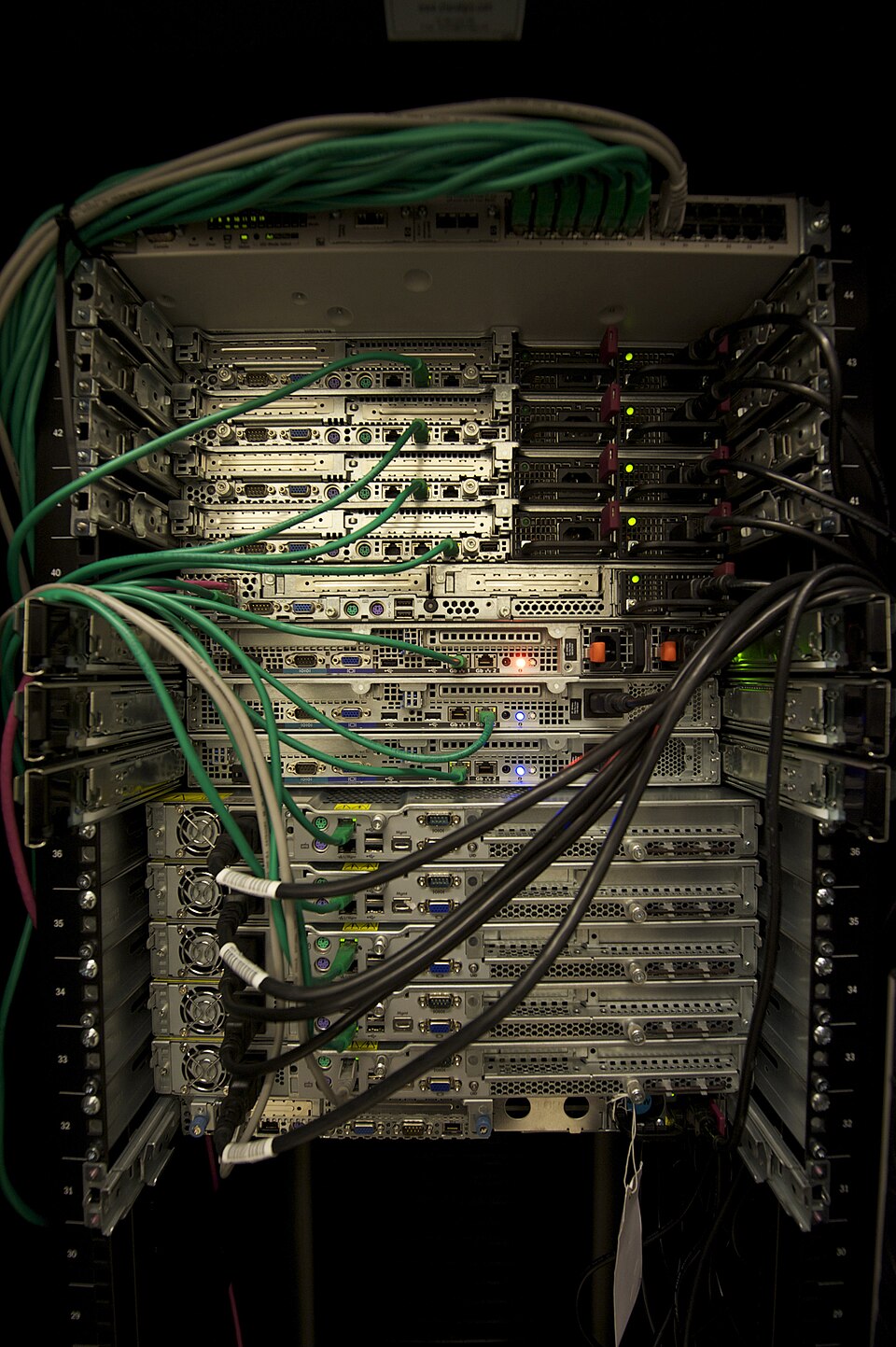 A typical server rack used in data centers (Image: Abigor, CC BY-SA 3.0, via Wikimedia Commons)
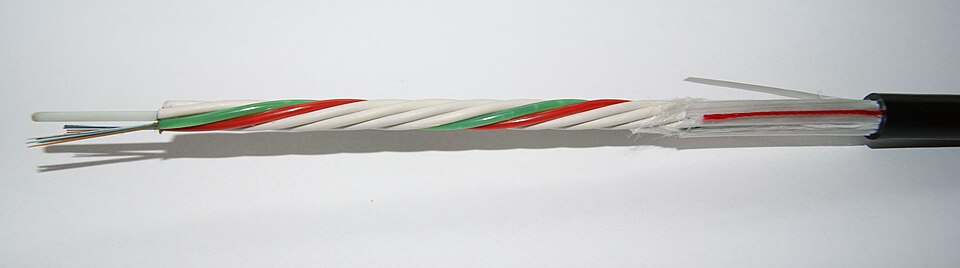 Fibre optic cable connecting data centers (Image: Asurnipal, CC BY-SA 4.0, via Wikimedia Commons)
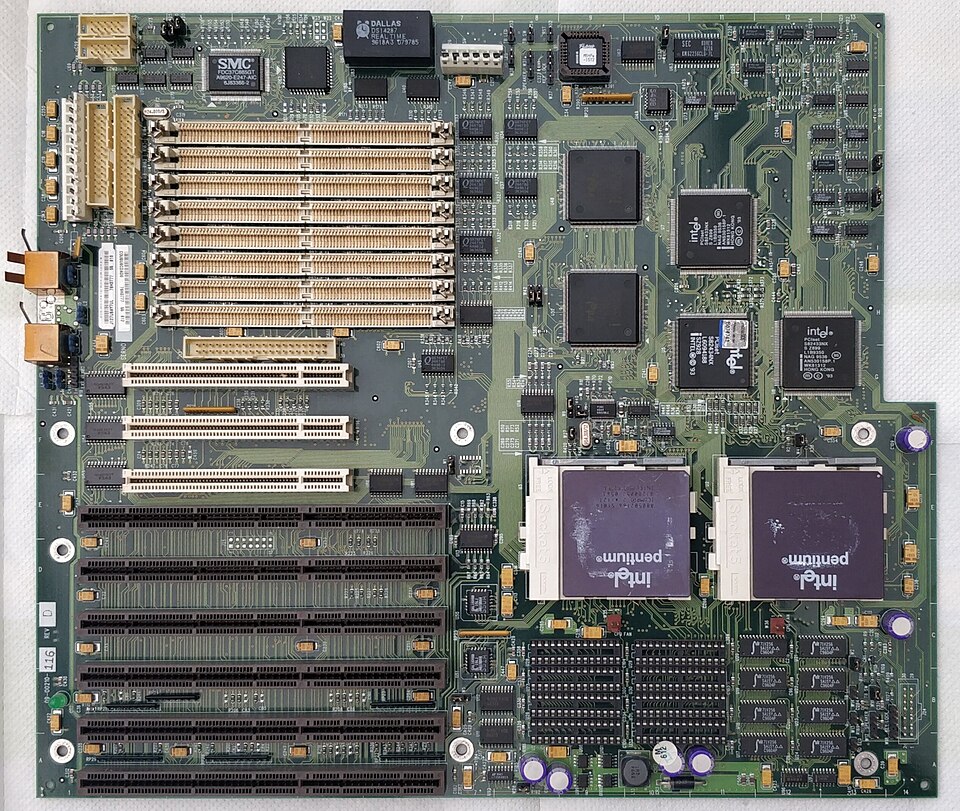 Server motherboard in a rack (Image: deksor, CC BY-SA 4.0, via Wikimedia Commons)
7. Advantages and Disadvantages
| Aspect | Advantages | Disadvantages |
|---|---|---|
| Scalability | Near‑unlimited resources | Requires proper design to avoid “sprawl” |
| Cost | Pay‑as‑you‑go, no CAPEX | Variable costs can be hard to predict |
| Security | Managed by provider | Shared responsibility model |
| Reliability | Built‑in redundancy | Vendor lock‑in risks |
| Innovation | Rapid deployment of new services | Rapid changes may break compatibility |
8. In the real world
- eSewa uses a SaaS microservices architecture for its payment gateway. The service runs on a public cloud, leveraging auto‑scaling to handle peak transaction loads during festivals.
- Pathao employs a hybrid model: the core dispatch system runs on a private cloud for data privacy, while the analytics engine scales on a public cloud during peak hours.
- Ncell uses IaaS to virtualize its network functions, reducing hardware costs and enabling faster deployment of new services such as 5G.
9. Exam tip
- Understand the layered model: Be able to describe each layer’s responsibilities and give examples of components.
- Compare service and deployment models: Know the trade‑offs in a table format.
- Explain elasticity: Provide a diagram of auto‑scaling and trace a real‑world scenario (e.g., Daraz order surge).
- Pattern recognition: Identify when to use monolithic, microservices, or serverless patterns and justify your choice.
- Security and governance: Discuss how IAM, encryption, and compliance fit into each layer.
Focus on clear, concise explanations, use diagrams where possible, and practice tracing a request through the architecture to demonstrate end‑to‑end understanding.
Based on the TU BSc CSIT syllabus for Introduction to Cloud Computing, unit 2.
Discussion
Loading…